Reviews!
Positive reviews from supporters like you help others to feel confident about supporting Ellie’s Rainy Fund too.
How Do I Leave a Review on Facebook?
Computer Only
- Log into Facebook
- Go to the Ellie’s Rainy Day Fund FB page (opens in a new window)
- Click the “Reviews” tab in the left-hand corner
- Click “Yes” or “No” when prompted at the bottom of the page under “Do you recommend Ellie’s Rainy Day Fund?”
- Write a recommendation of at least 25 characters
- Add tags or photos
- Post the recommendation
Mobile Only
- Log into Facebook
- Go to the Ellie’s Rainy Day Fund FB page (opens in a new window)
- Scroll down to the “Reviews” in the Details section
- Click “Yes” or “No” when prompted at the bottom of the page under “Do you recommend Ellie’s Rainy Day Fund?”
- Write a recommendation of at least 25 characters
- Add tags or photos
- Post the recommendation
How Do I Leave a Review on Google?
- Log into your Google account, and search for the business you want to review.
- Find the reviews area (next to the star rating in your search results, or under the establishment’s name in the sidebar in Google search) and click on the blue font that says “WRITE A REVIEW.”
- Rate the business from 1 to 5 stars (the greater numbers indicate a positive experience), write about your experience, and click “POST” when you’re done.
 (opens in a new window)
How did Ellie’s Rainy Day Fund Help your Pet?
Tell us your Pet’s Story
Read social media posts on how Ellie’s Rainy Day Fund has helped thousands of Pets and their families.
Please leave us a review! See all our reviews below.
Leave us an On-Site Review
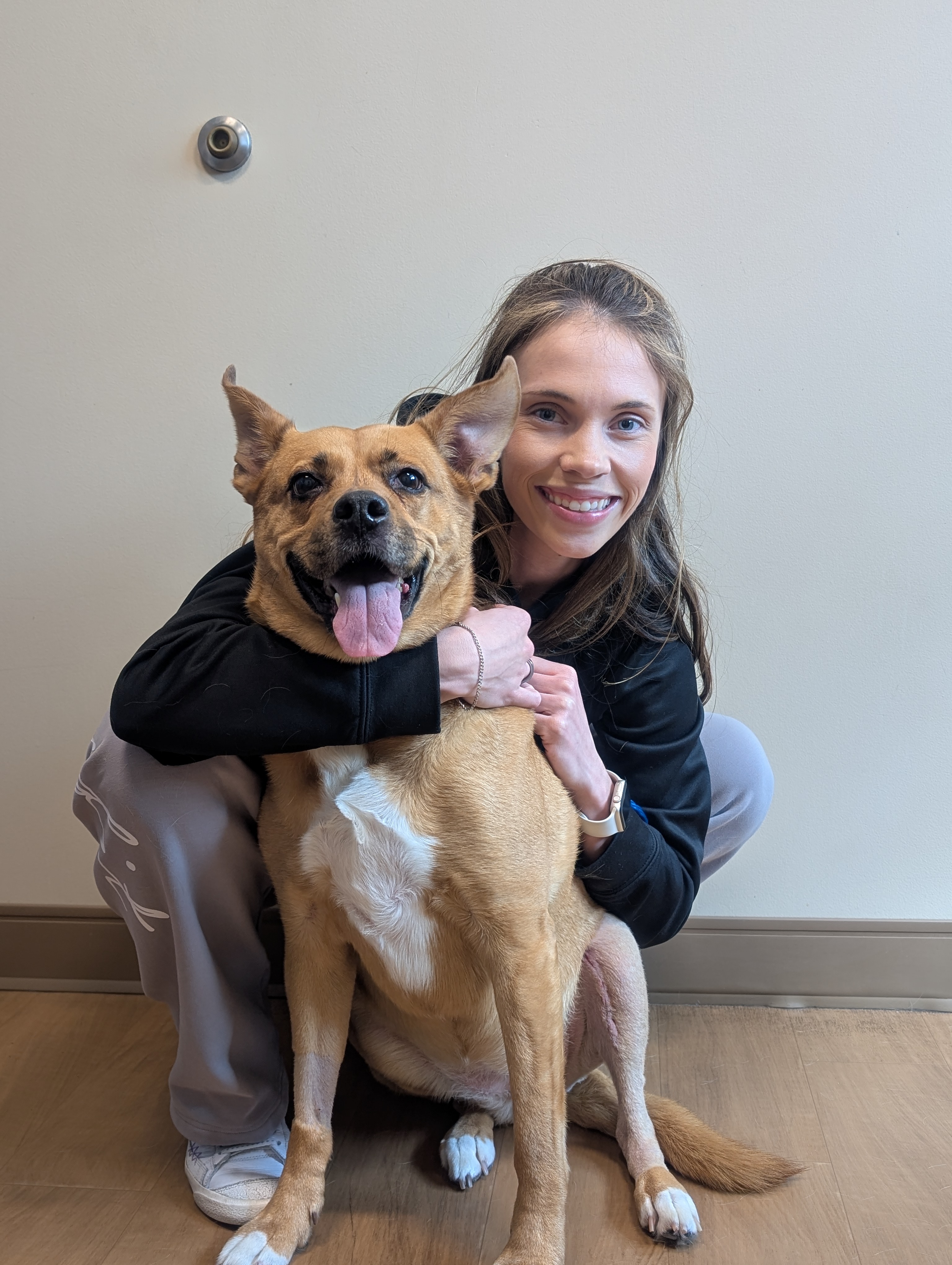
Don’t forget your photo